> ## Documentation Index
> Fetch the complete documentation index at: https://docs.signagelab.com/llms.txt
> Use this file to discover all available pages before exploring further.

# Vestel

> Installation guide for Vestel displays.

<Info>If necessary, you can access the device operating system to perform an OS factory reset. To access this menu on your remote control, press MENU followed by code 4725. Note: this is different from Android Factory reset, which can be done through the Android menu subsection accessible via the MENU button on your remote.</Info>

## Factory reset of OS

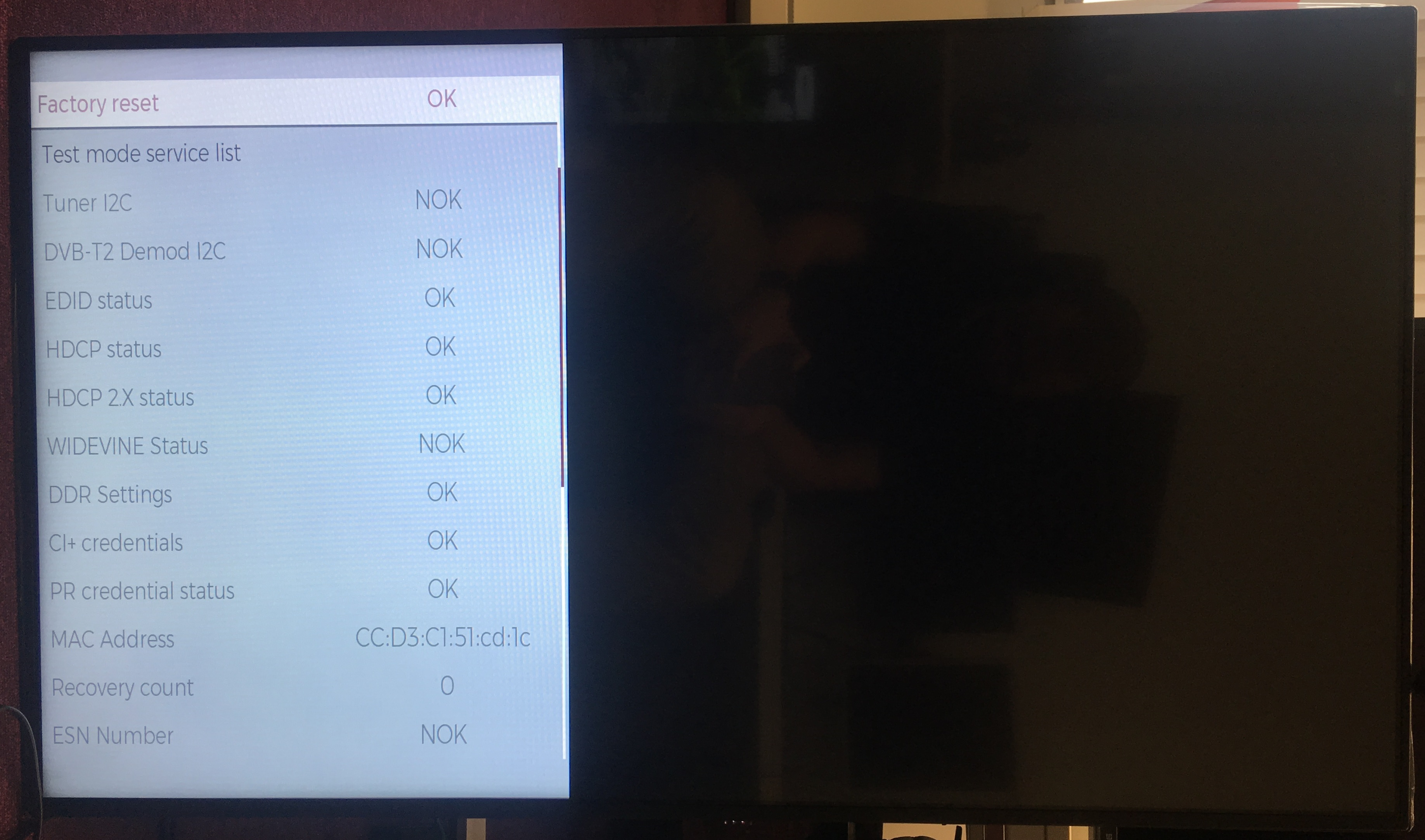
Press MENU followed by code **4725**, select Diagnostic
![image](https://1.signage-cdn.com/documentation/images/vestel/1.jpg)

Select Factory reset

![image](https://1.signage-cdn.com/documentation/images/vestel/2.jpg)

## Installation steps

<Steps>
  <Step title="Select language" />

  <Step title="Select country" />

  <Step title="Select time" />

  <Step title="Select Continue" />

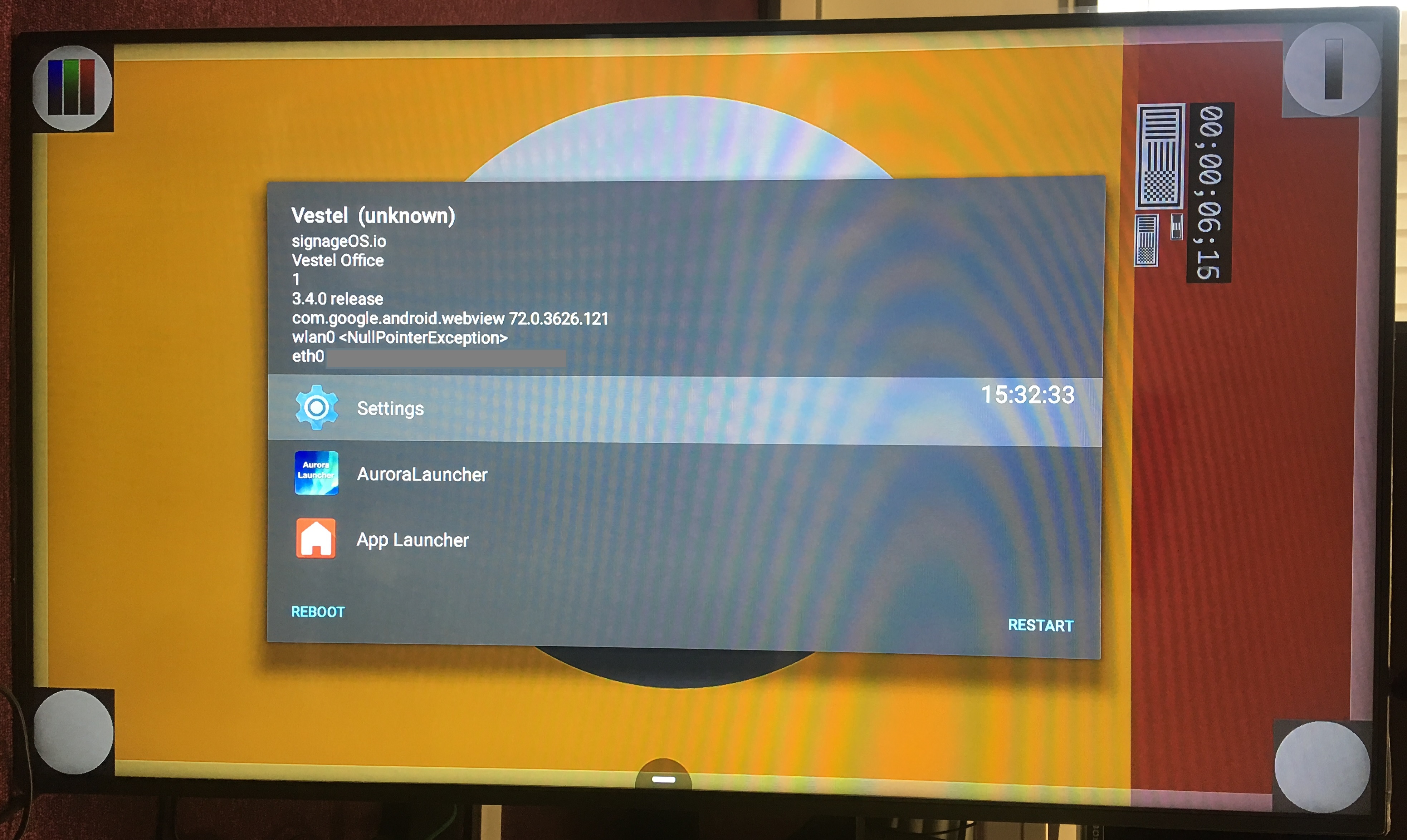
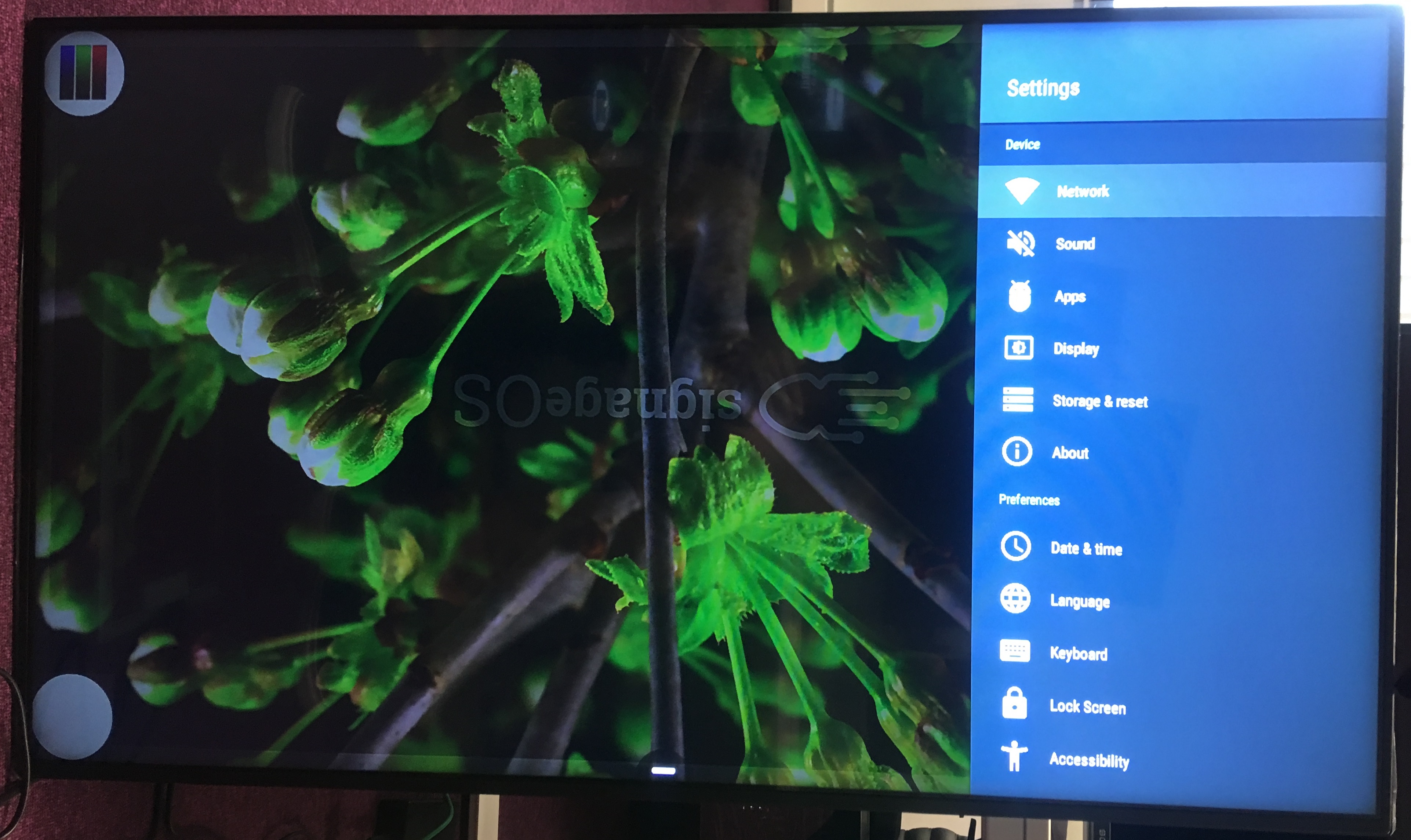
  <Step title="Select Home App → App Launcher">
    ![image](https://1.signage-cdn.com/documentation/images/vestel/3.jpg)
  </Step>

  <Step title="Wait until the device is ready to be operated" />

  <Step title="Connect USB flash drive with signageOS application" />

  <Step title="Once the USB flash drive is connected, default file system will be displayed" />

  <Step title="Back out and navigate to File Browser from Android menu" />

  <Step title="Select signageOS application and install it" />

  <Step title="A 6-character verification HASH will be displayed" />

  <Step title="Register the device in CMS" />
</Steps>