> ## Documentation Index
> Fetch the complete documentation index at: https://docs.signagelab.com/llms.txt
> Use this file to discover all available pages before exploring further.
# GraphQL API
> GraphQL API documentation for SignageLab CMS.
SignageLab provides a GraphQL API available at:
```
https://my.signagelab.com/api/graphql
```
## Authentication
All API requests require a bearer token for authentication.
### Obtaining a Bearer Token
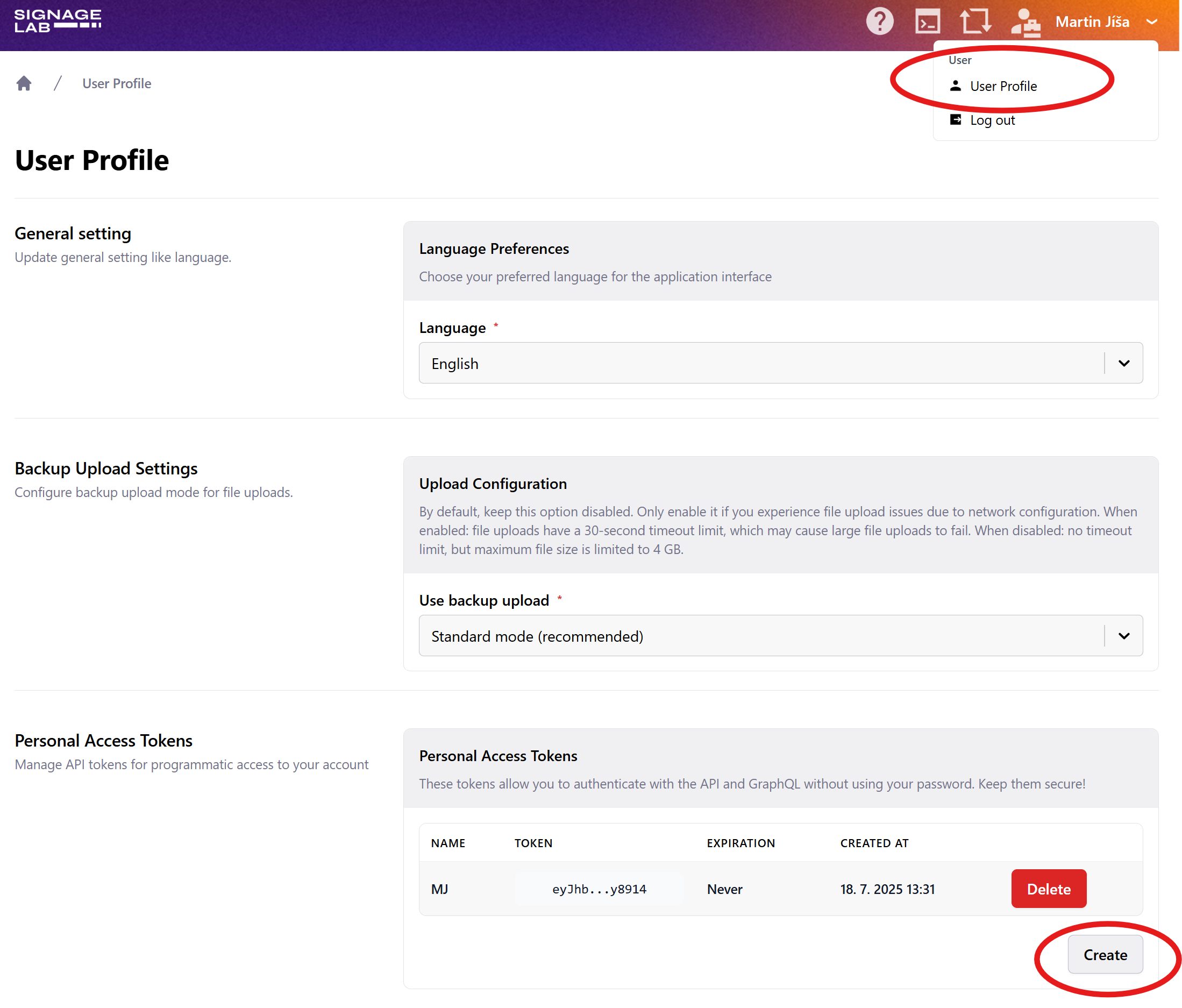
Keep your token safe. In case of compromise, you can deactivate it in your user profile.
## API Documentation
You can explore the complete API schema and available queries/mutations by opening the GraphQL endpoint in your browser:
```
https://my.signagelab.com/api/graphql
```
The GraphQL playground provides:
* Interactive documentation of all available operations
* Autocomplete for fields and arguments
* Schema introspection
Alternatively, you can use schema introspection to generate TypeScript types for your code, enabling type-safe API calls.
## Making API Calls
### Headers
All requests must include the `Authorization` header with your bearer token:
```
Authorization: Bearer YOUR_TOKEN
```
For operations within a specific account, you must also add the `account` header:
```
account: ACCOUNT_ID
```
### Examples
**General query (does not require account scope):**
```bash theme={null}
curl -X POST https://my.signagelab.com/api/graphql \
-H "Authorization: Bearer YOUR_TOKEN" \
-H "Content-Type: application/json" \
-d '{"query":"query { accounts { id name } }"}'
```
**Query within an account:**
```bash theme={null}
curl -X POST https://my.signagelab.com/api/graphql \
-H "Authorization: Bearer YOUR_TOKEN" \
-H "account: ACCOUNT_ID" \
-H "Content-Type: application/json" \
-d '{"query":"query { account(id: \"ACCOUNT_ID\") { id name } }"}'
```