

Instructions
1
Create Metas
Go to Screens → Metas and create your metadata. (For example, a media list of soups or a media list of main dishes.)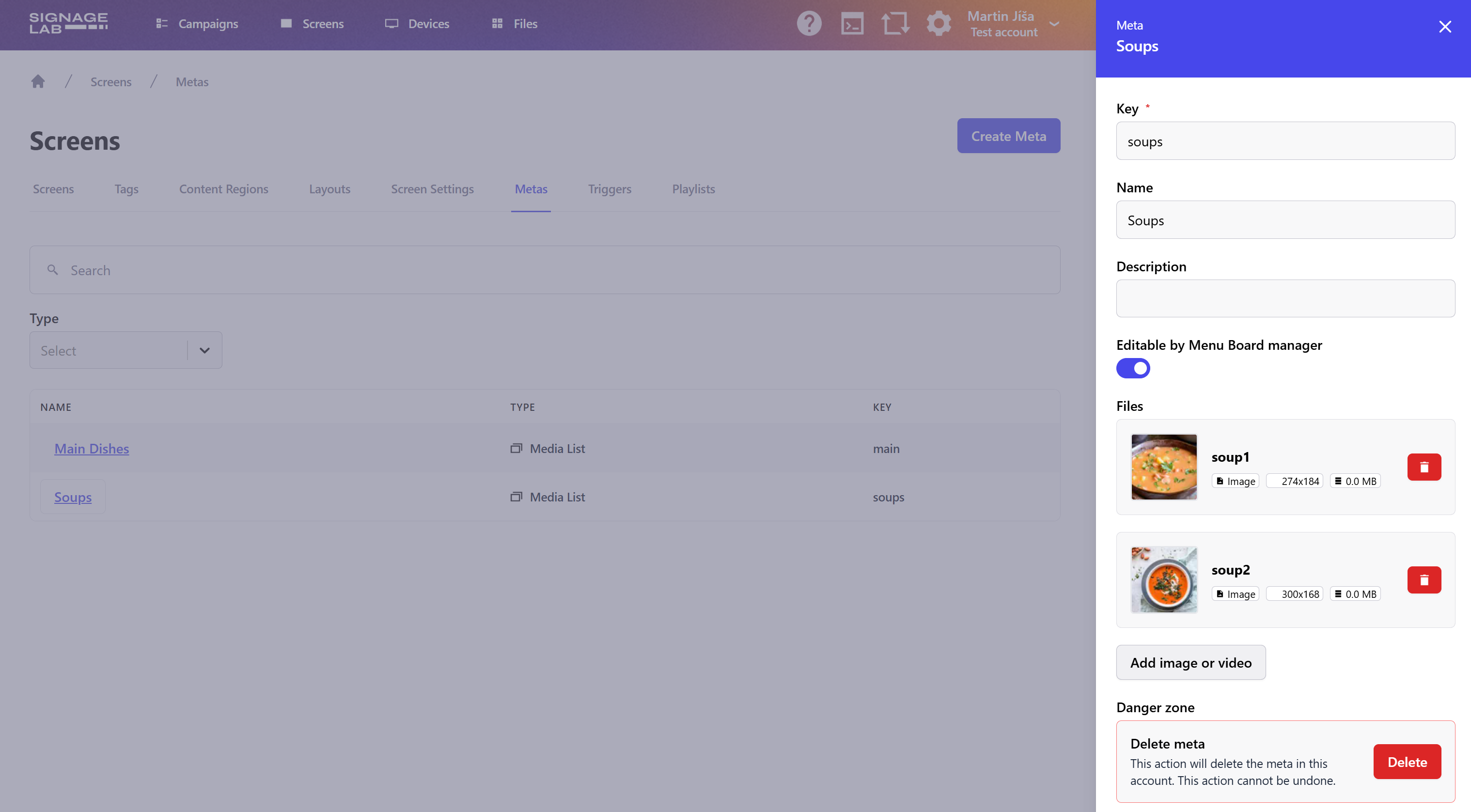 Enable Editable by Menuboard manager if you want the metadata to be editable.Once all your metadata is created, you can proceed to create a Menuboard campaign.
Enable Editable by Menuboard manager if you want the metadata to be editable.Once all your metadata is created, you can proceed to create a Menuboard campaign.2
Create Menuboard Campaign
Go to the Campaigns page and create a new campaign. Enter a name and choose the Menuboard type.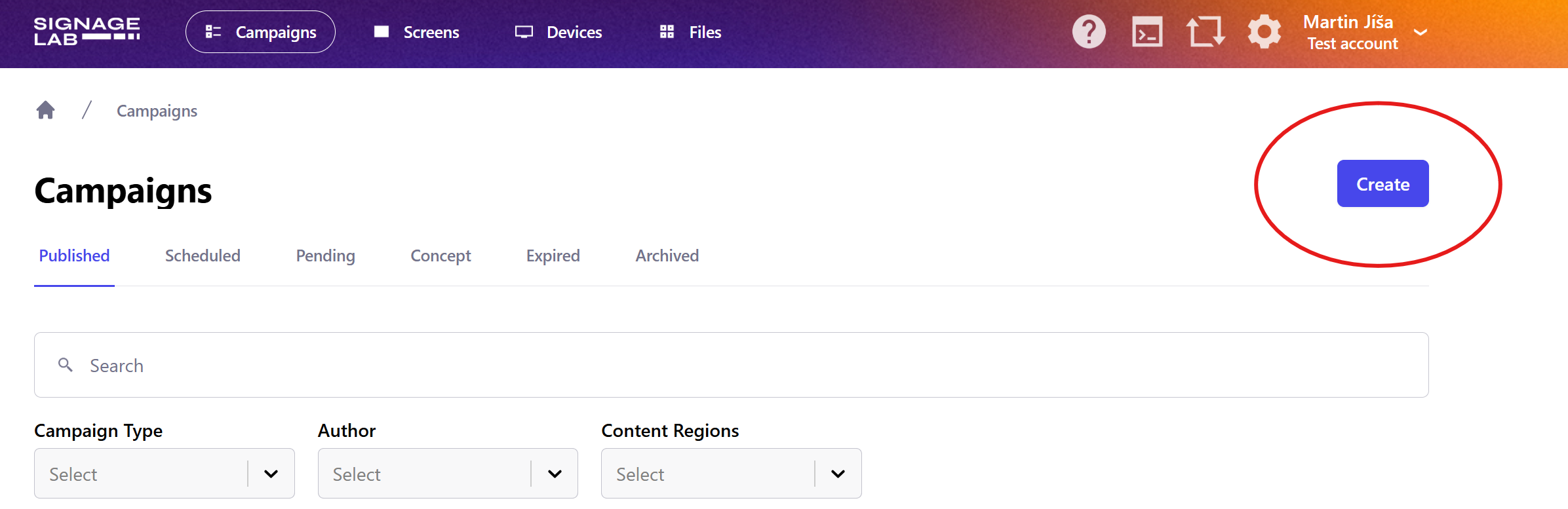 Click Add element.
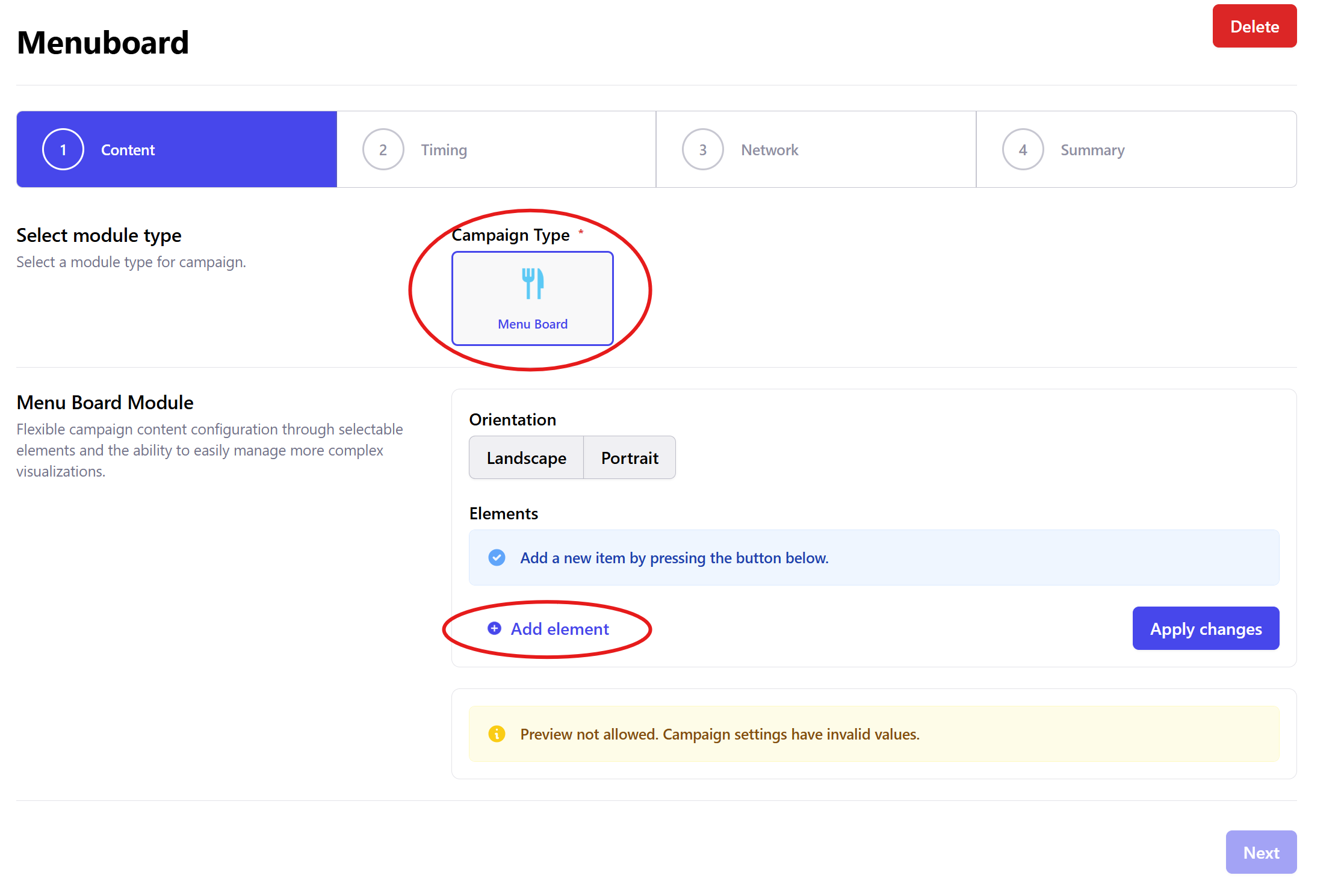 Add an element for the background (Image type is preferred).
 Add elements for products:
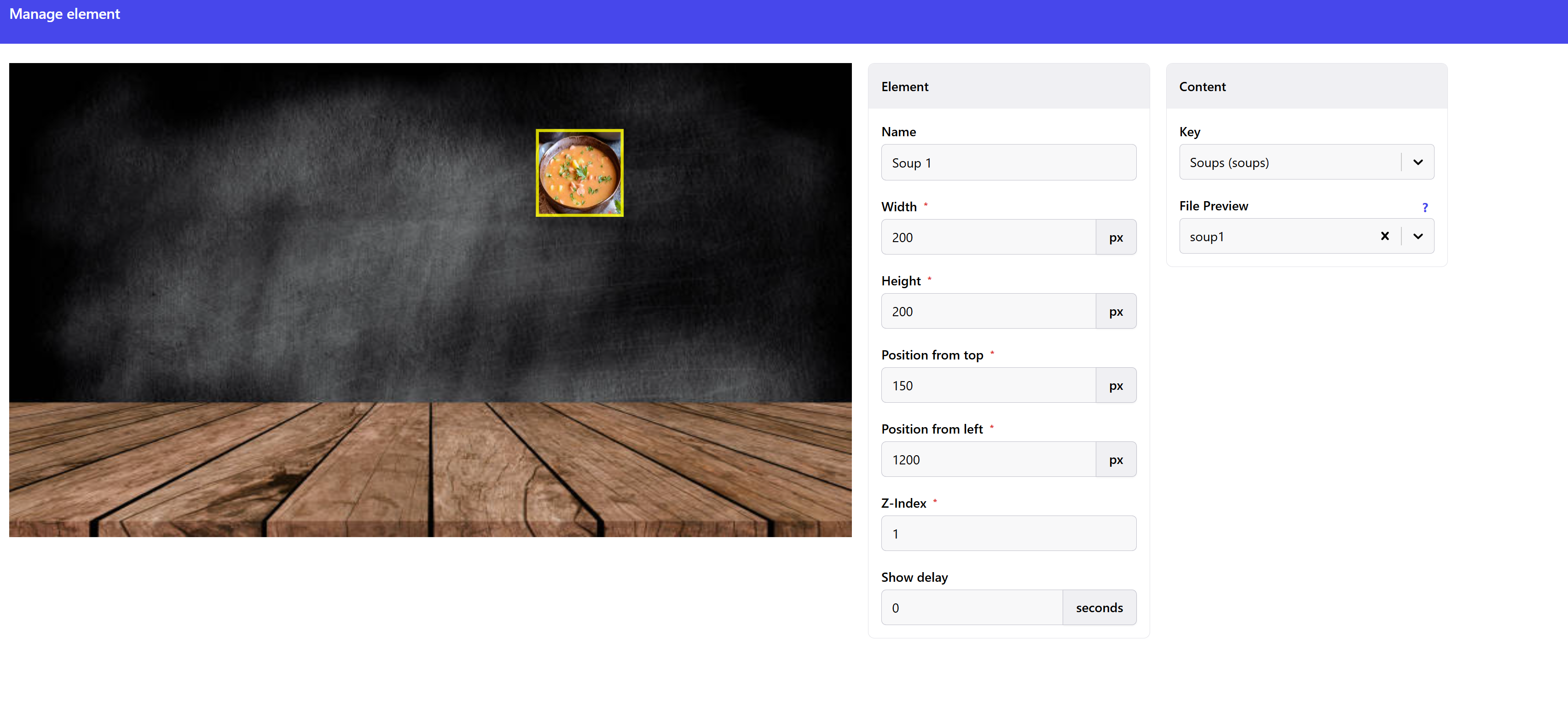 Repeat this for all your elements. Then proceed to set the campaign timing, select screens, and finally Publish or schedule the campaign from the summary step.
Click Add element.Add an element for the background (Image type is preferred).Add elements for products:- Choose Medialist type
- Set all the parameters and choose from your metadata
Repeat this for all your elements. Then proceed to set the campaign timing, select screens, and finally Publish or schedule the campaign from the summary step.3
Set Metadata to the Screen
Click your name in the top right corner and choose Menuboard manager.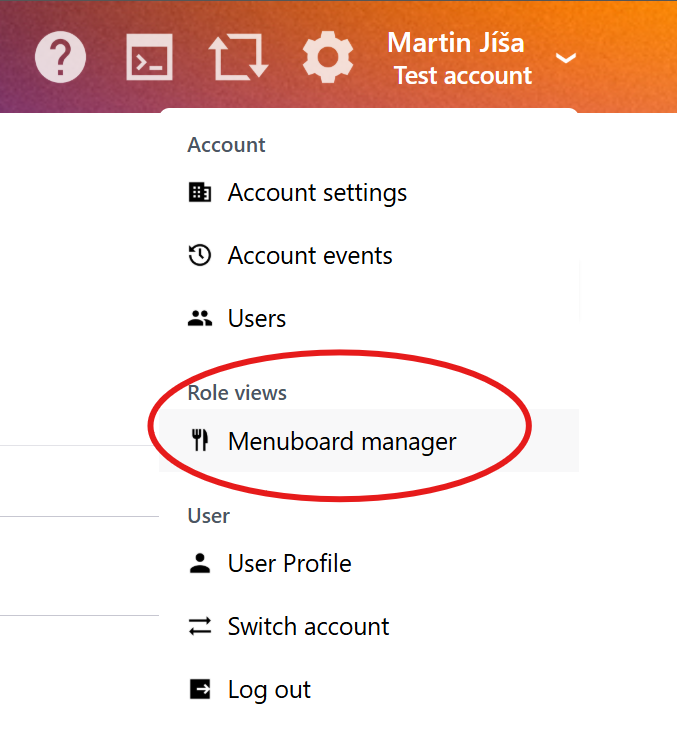 Here you can see all your screens. Choose the screen and the campaign, then assign metadata to the screen.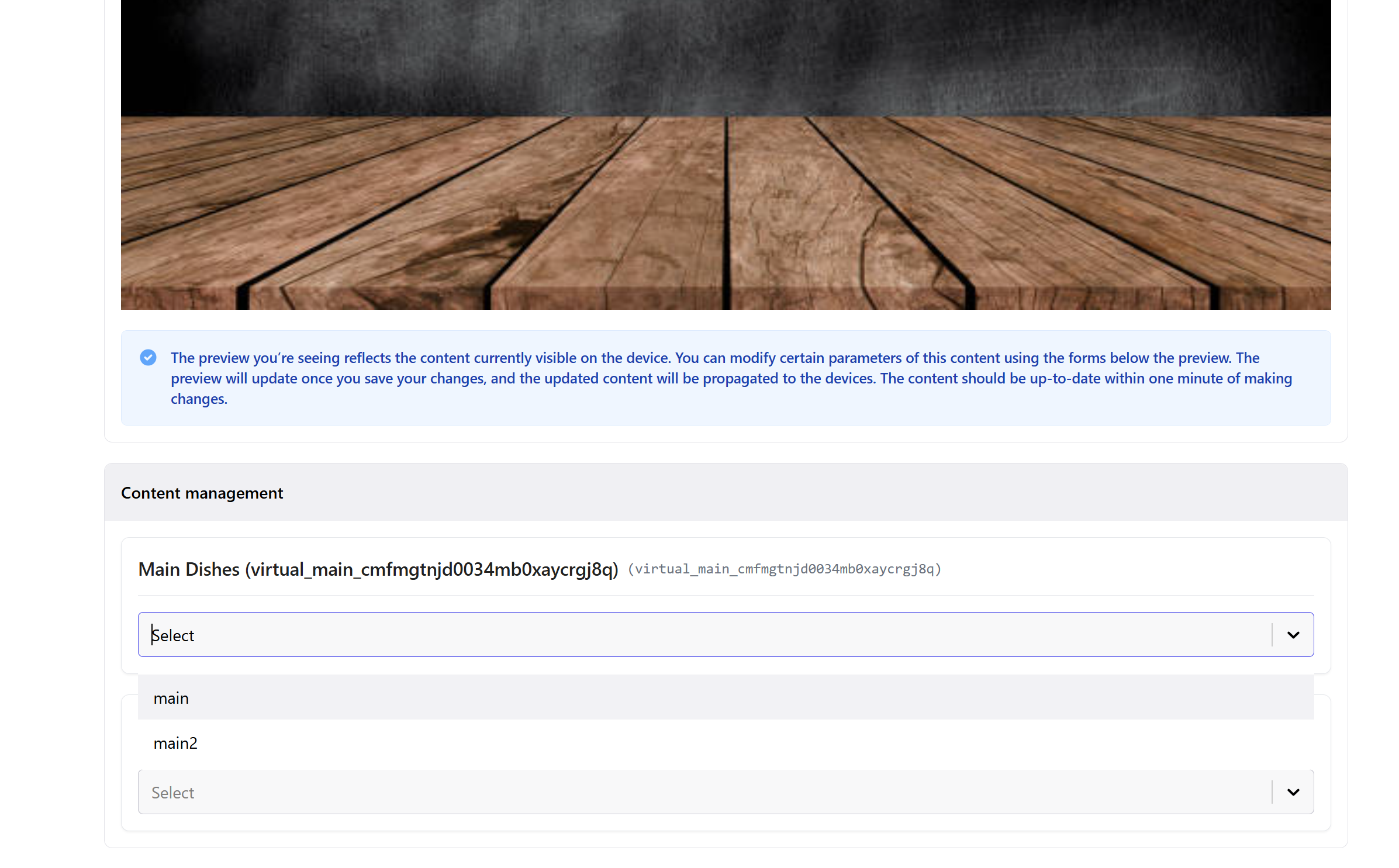
Here you can see all your screens. Choose the screen and the campaign, then assign metadata to the screen.