

1
Factory reset
Factory reset the device. On the “Welcome” screen, tap 6 times anywhere.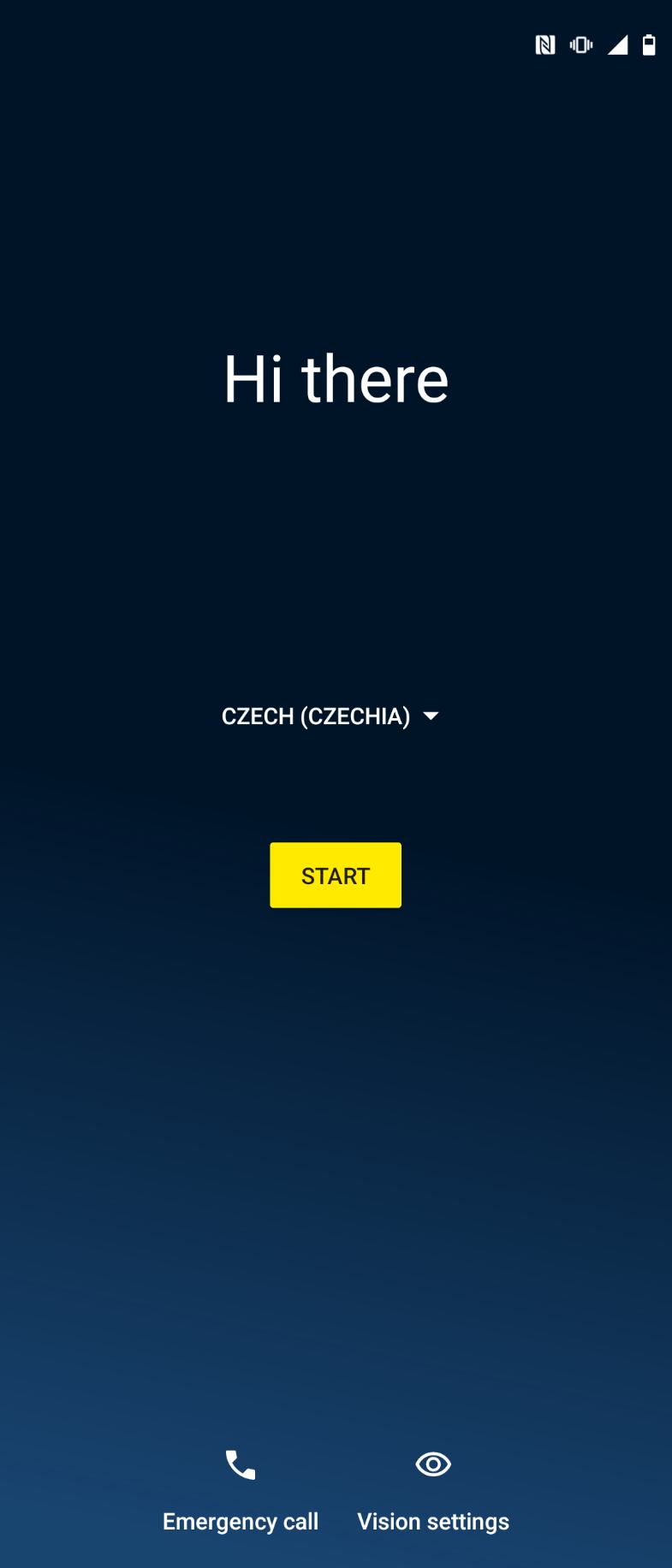
2
Connect to the network
Connect the device to cellular or Wi-Fi and click Next.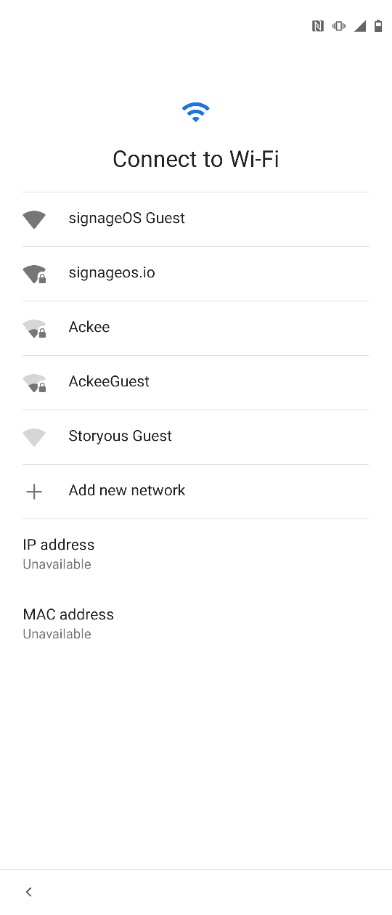
This step may not appear on Android 9 and above.
3
Provision using QR code
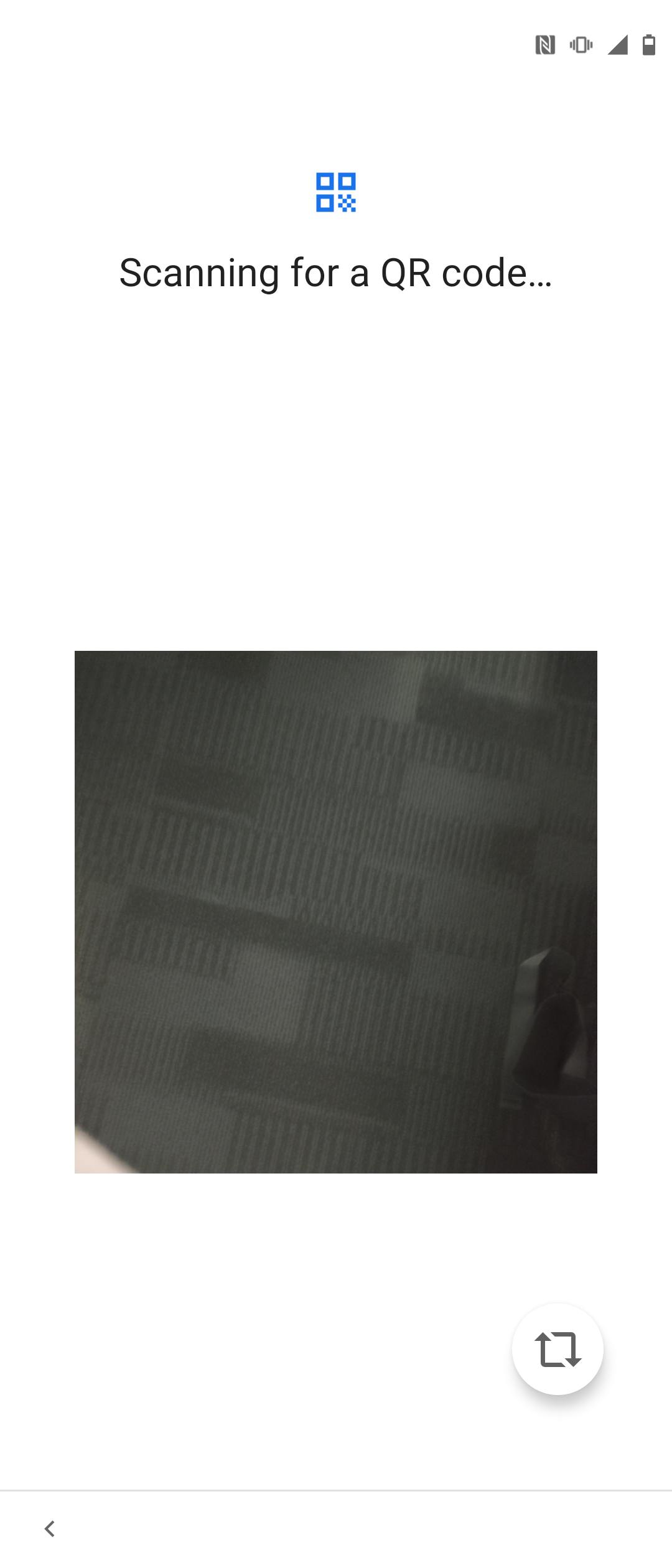 When the camera opens, scan the QR code generated in the portal.
Some devices may show the scan screen more than once. Scan again and continue.
Full-featured version QR code
4
Permissions
Allow the app to modify system settings and continue by clicking Resolve.After that, the phone should show a screen preparing the app to work.
5
Done
Your device will start and display short verification hash.