

Installation Steps
1
Power and turn on your display
2
Download the latest signageOS application from the following link
3
Move/Copy the downloaded file onto a FAT32 formatted USB stick storage
4
Insert the storage medium into a USB port on your device
5
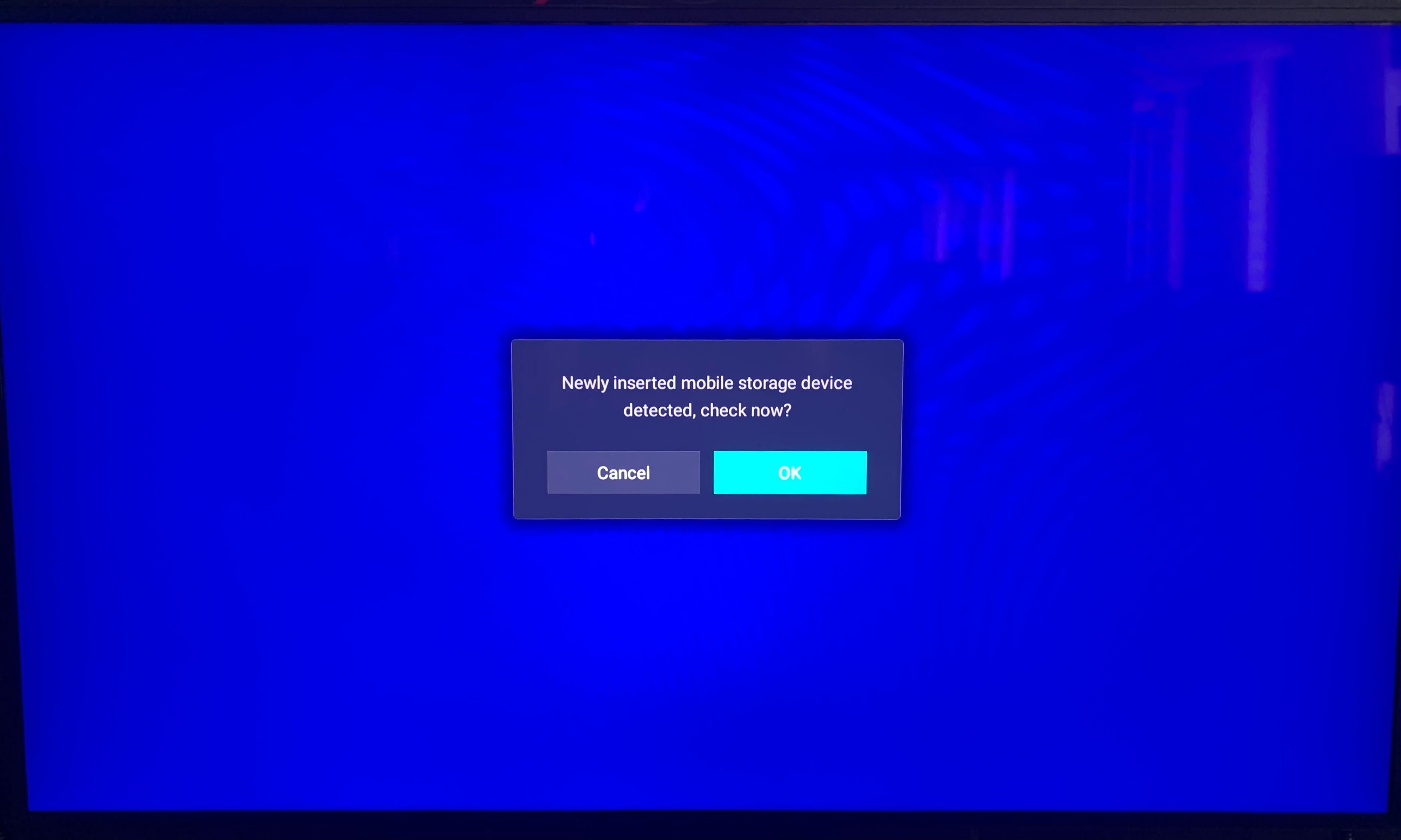
You will be prompted to open the storage device
6
Open the storage and locate the downloaded file
Once you open the storage you should be able to see the downloaded file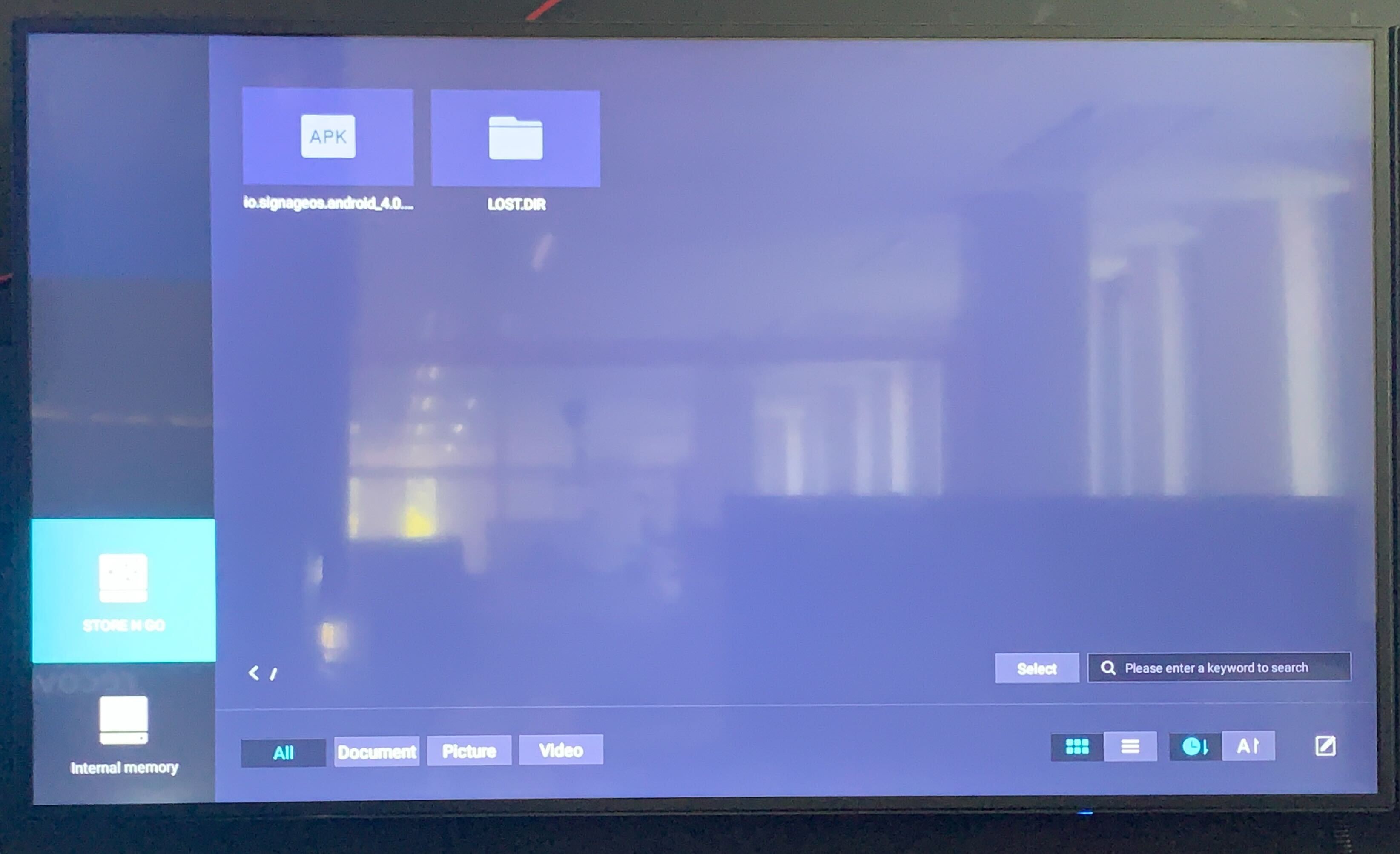
7
Select the .APK file and begin the installation process
8
You will be prompted to accept our Terms of Use service agreements
9
Once all parts of the application are installed, the display should present you with a provisioning 6 character hash