

If necessary, you can access the device operating system to perform an OS factory reset. To access this menu on your remote control, press MENU followed by code 4725. Note: this is different from Android Factory reset, which can be done through the Android menu subsection accessible via the MENU button on your remote.
Factory reset of OS
Press MENU followed by code 4725, select Diagnostic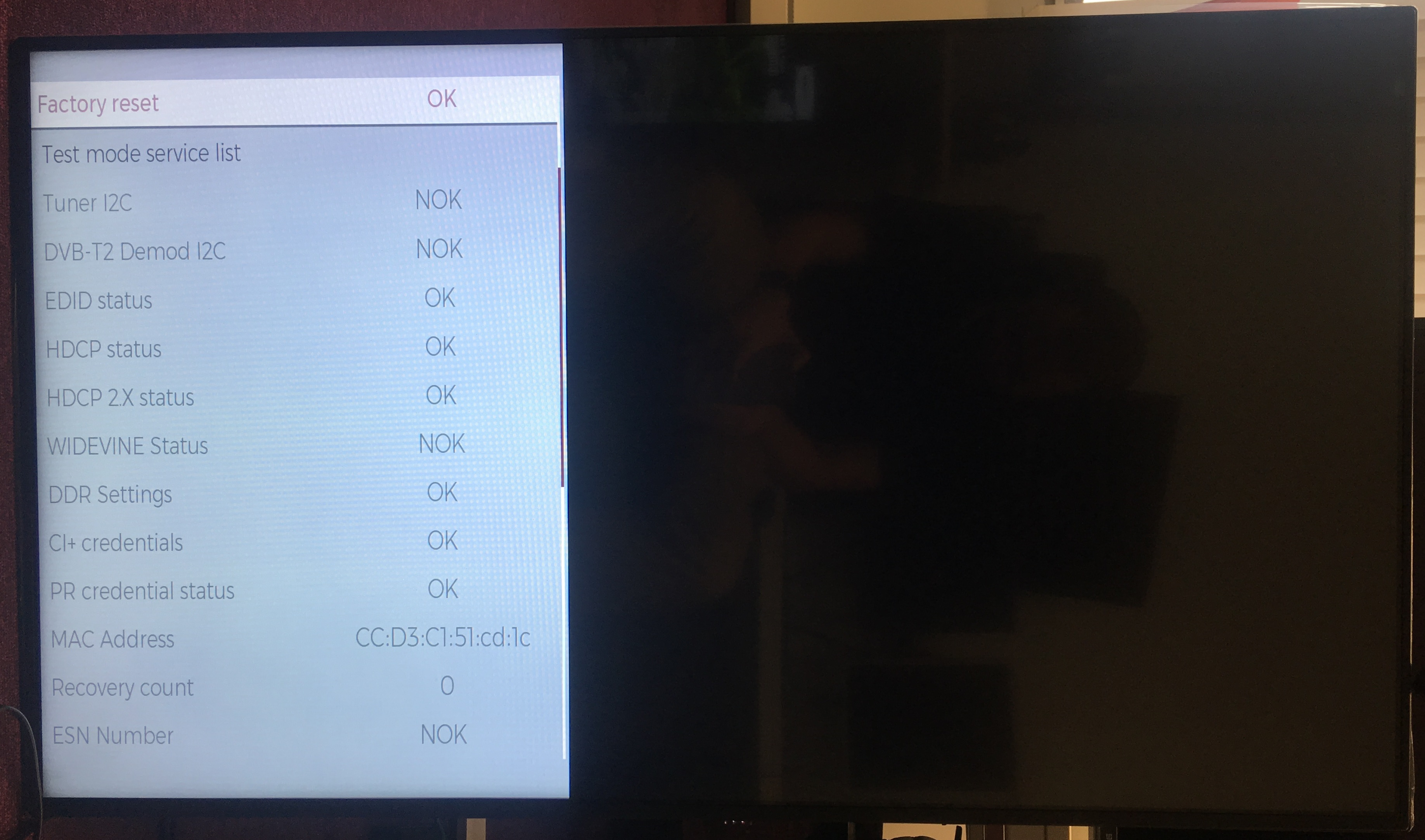 Select Factory reset
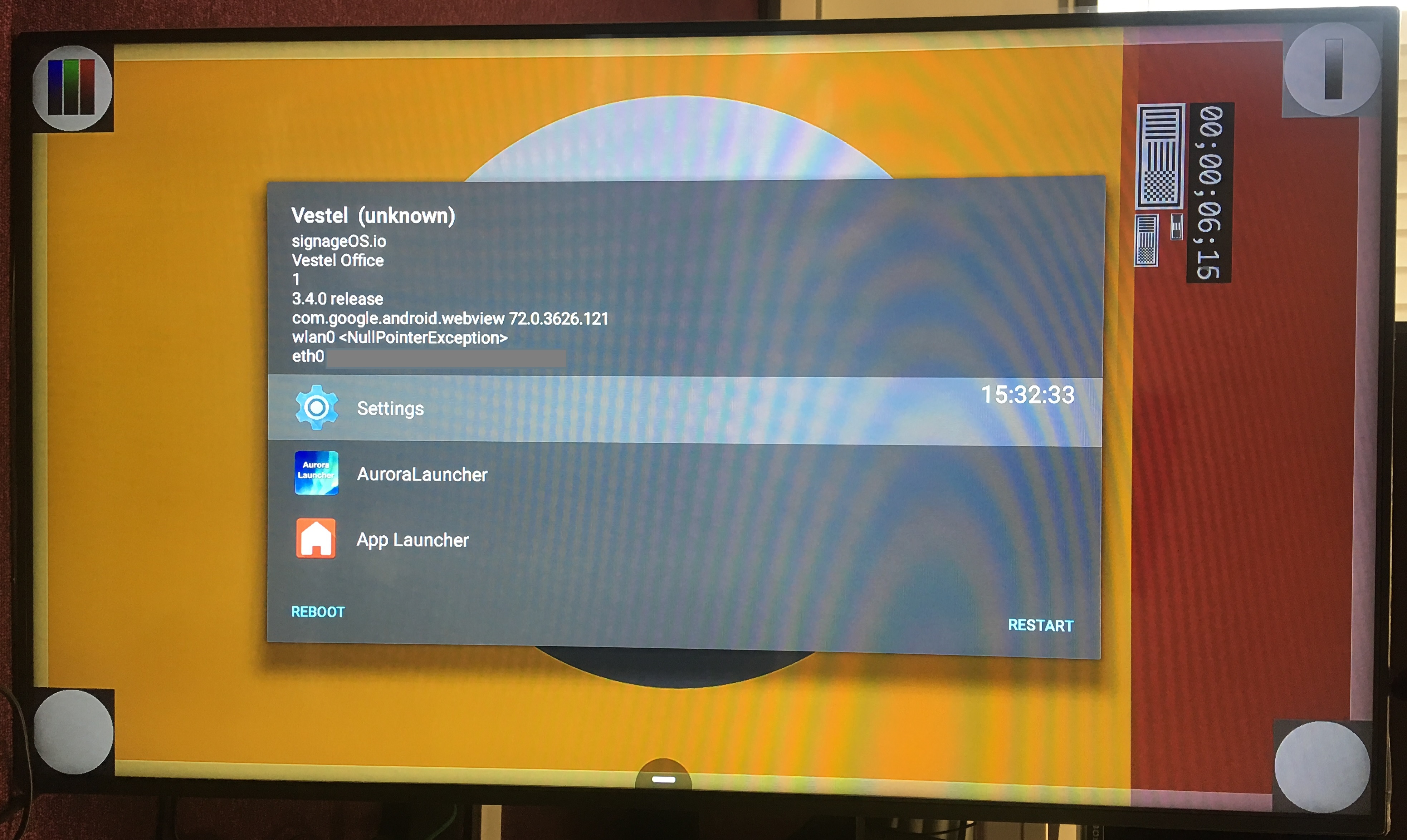
Installation steps
1
Select language
2
Select country
3
Select time
4
Select Continue
5
Select Home App → App Launcher
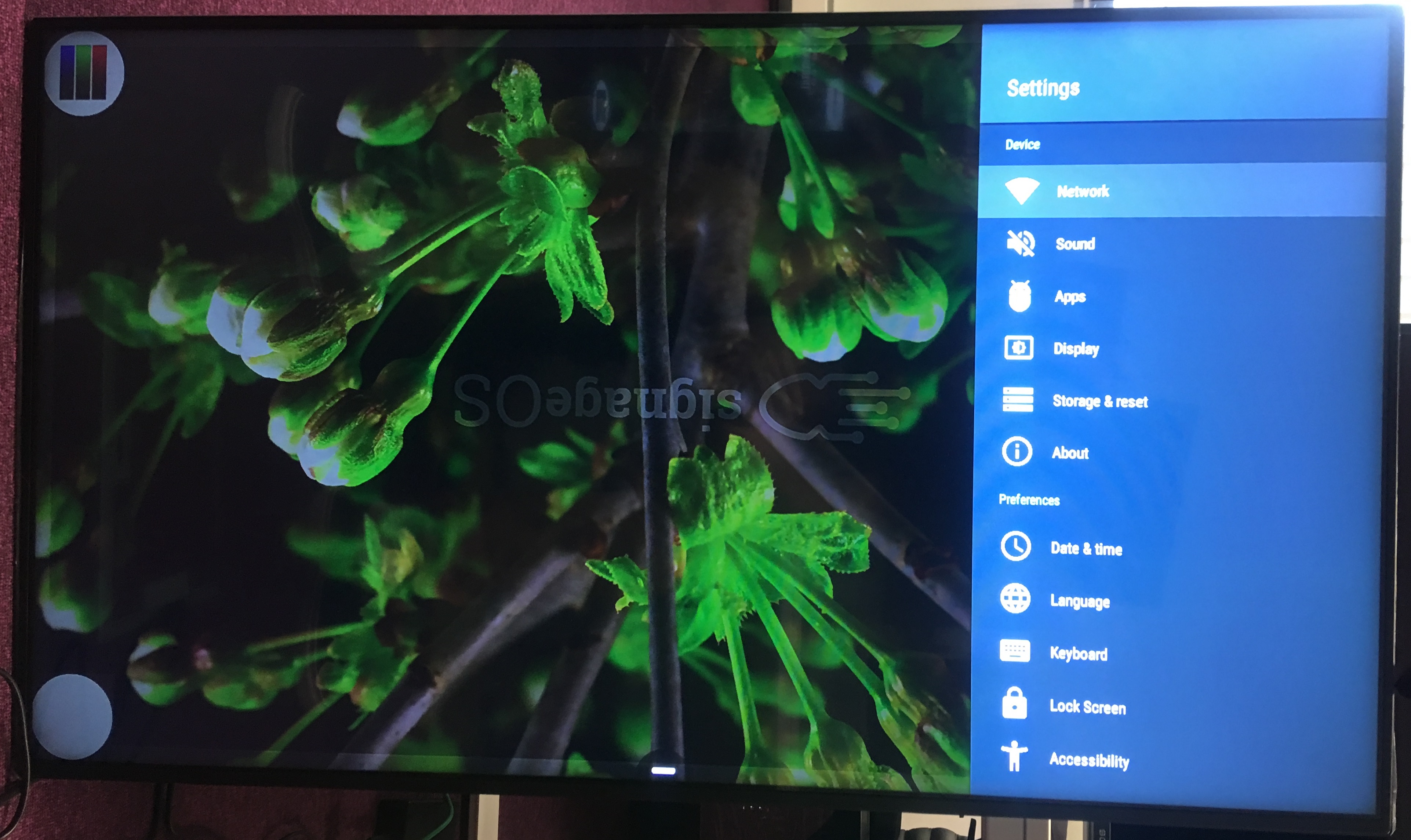
6
Wait until the device is ready to be operated
7
Connect USB flash drive with signageOS application
8
Once the USB flash drive is connected, default file system will be displayed
9
Back out and navigate to File Browser from Android menu
10
Select signageOS application and install it
11
A 6-character verification HASH will be displayed
12
Register the device in CMS