

Prerequisites
- MicroSD card
Installation Steps
1
Download zipped BrightSign Core App
Download zipped BrightSign Core App from:
2
Unpack and copy to microSD card
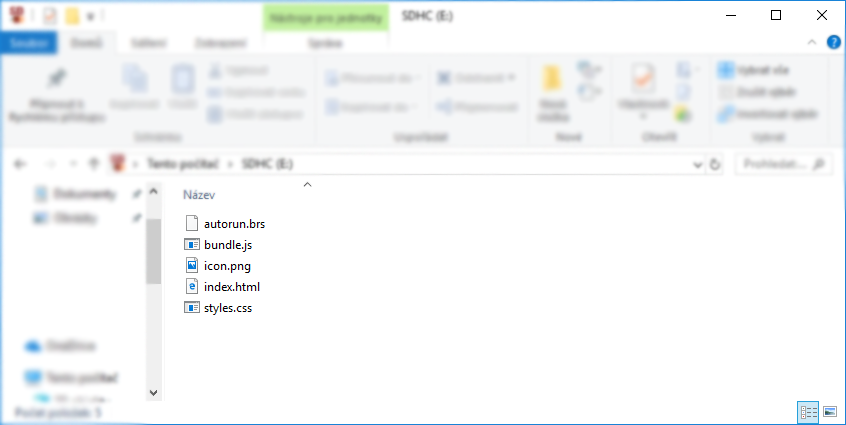
Unpack the downloaded file and copy the content to the formatted microSD card (format FAT32)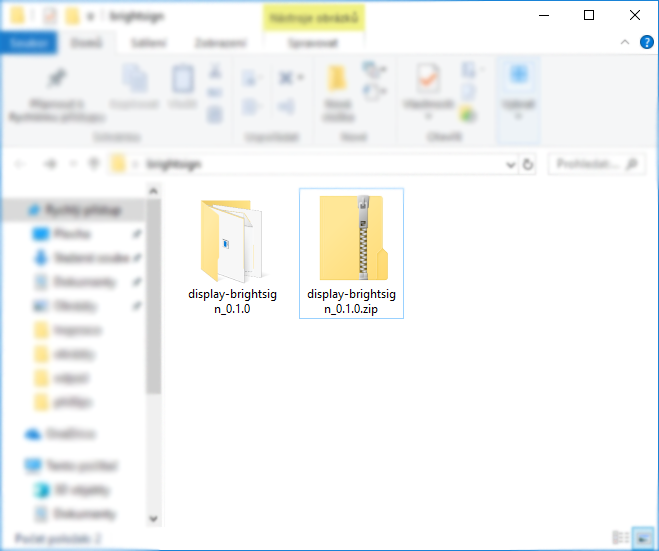
3
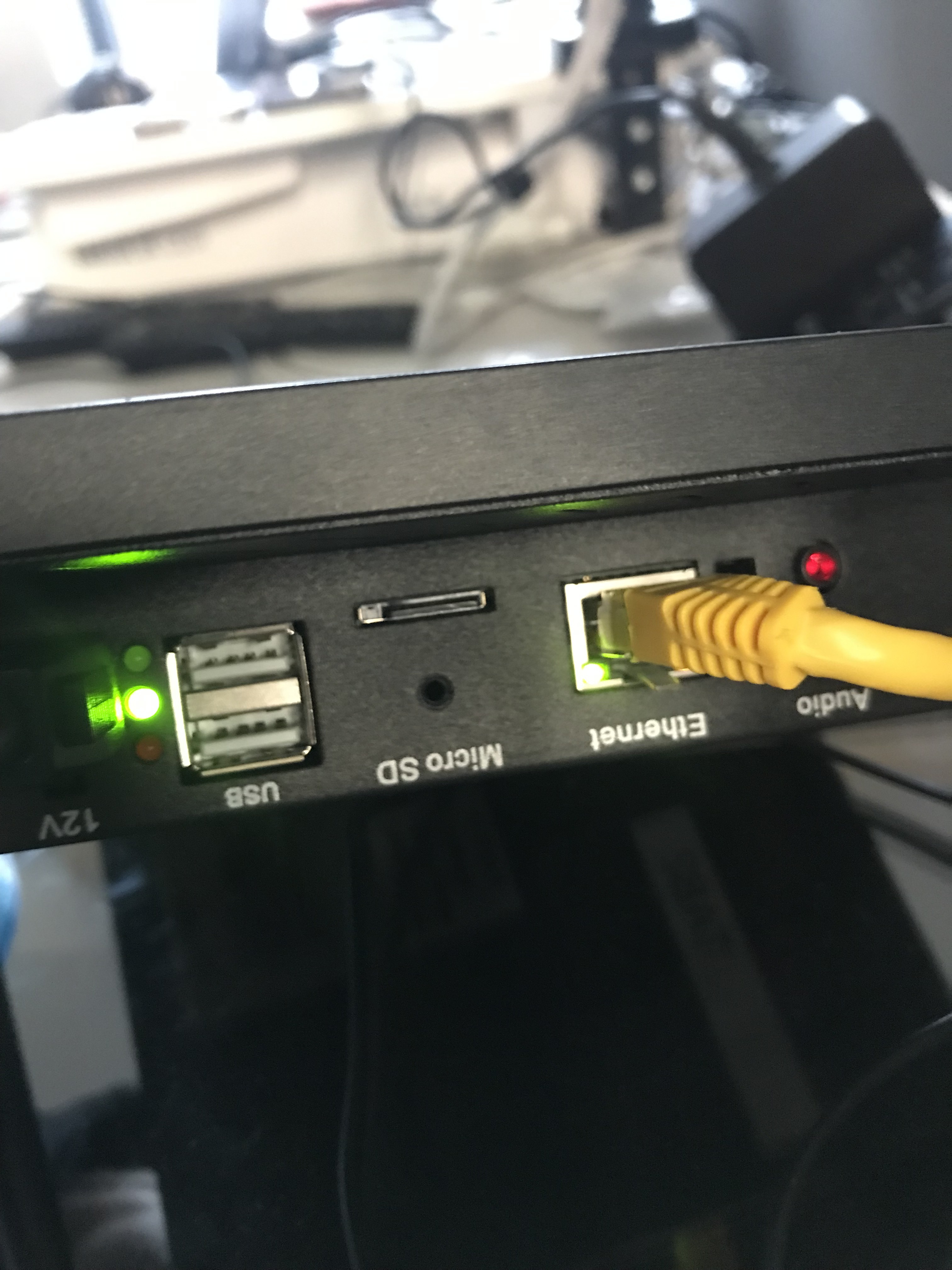
Insert the microSD card into the BrightSign
4
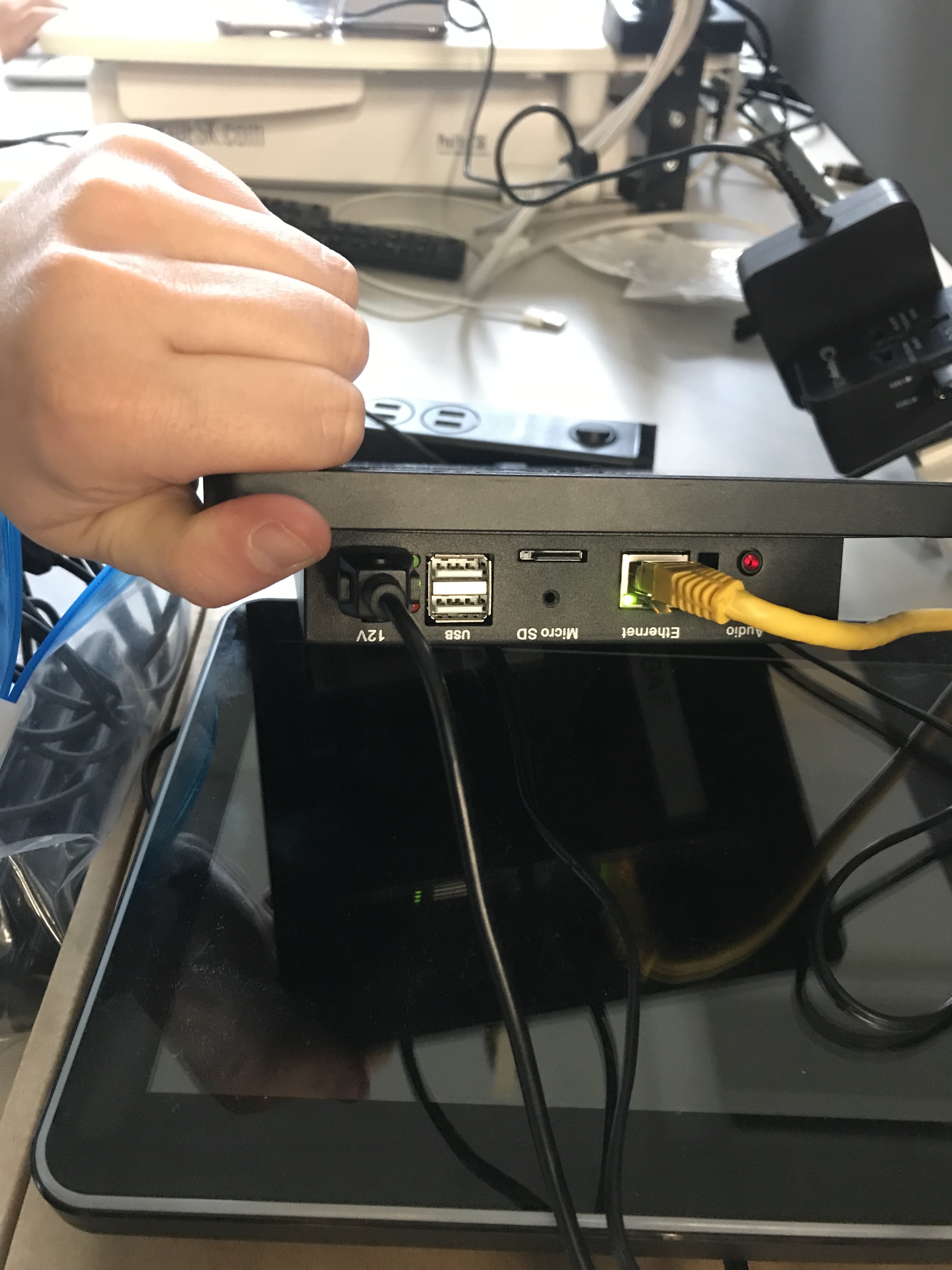
Plug BrightSign into the electricity and to the display
5
BrightSign will automatically boot up
Once the display is started with signageOS App you will see a short Verification hash in the middle of the screen.